A place for UI & UX designers
Get UI/UX feedback on your next screen
A fresh perspective before the next iteration.
A screen can look polished and still leave you unsure about the hierarchy, wording or next step. Share your interface with a clear task in mind and invite other creators to tell you what they notice.
Free to post, vote and comment. Works in your browser.
Which booking screen makes the next step clearer?
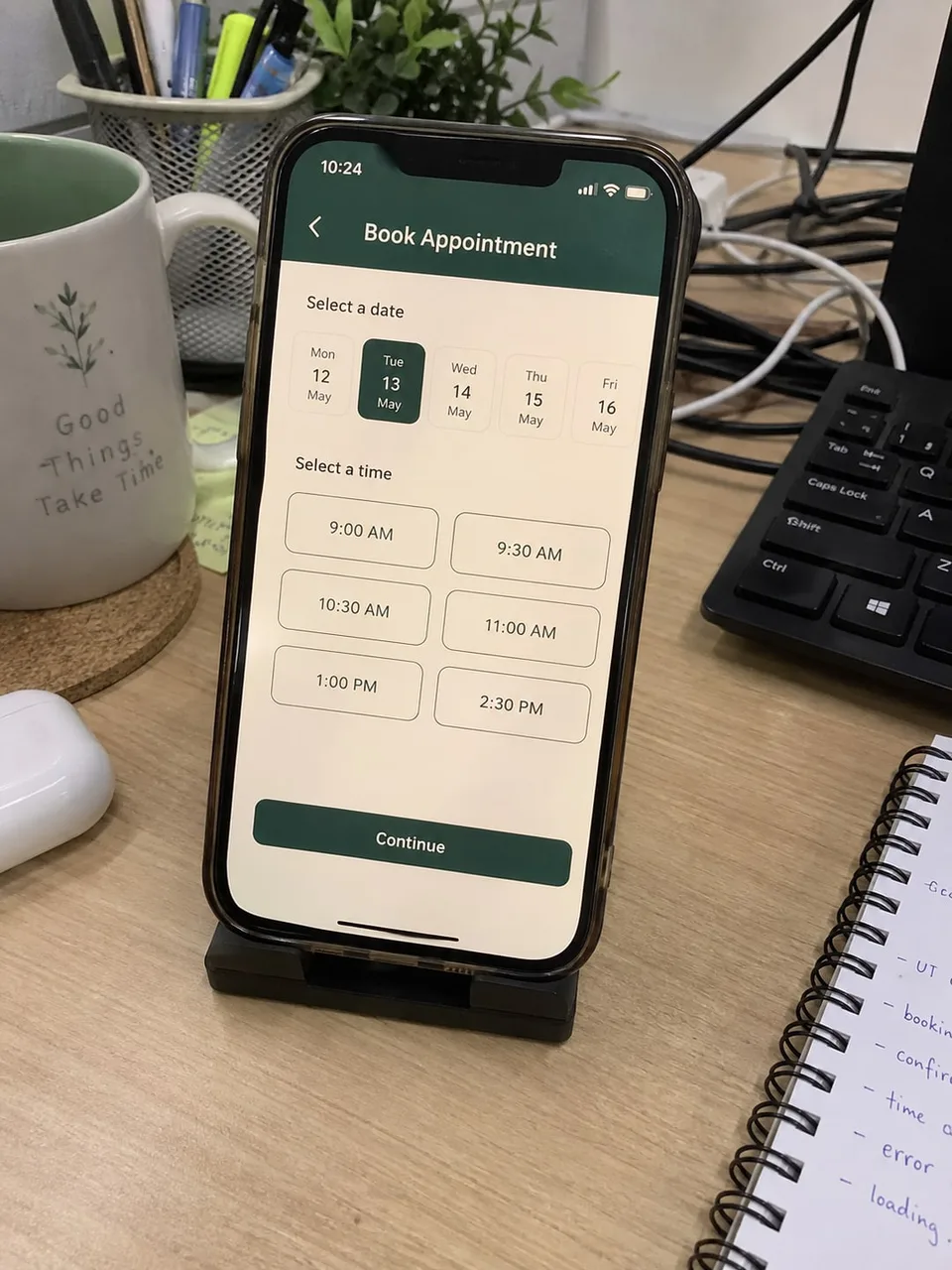
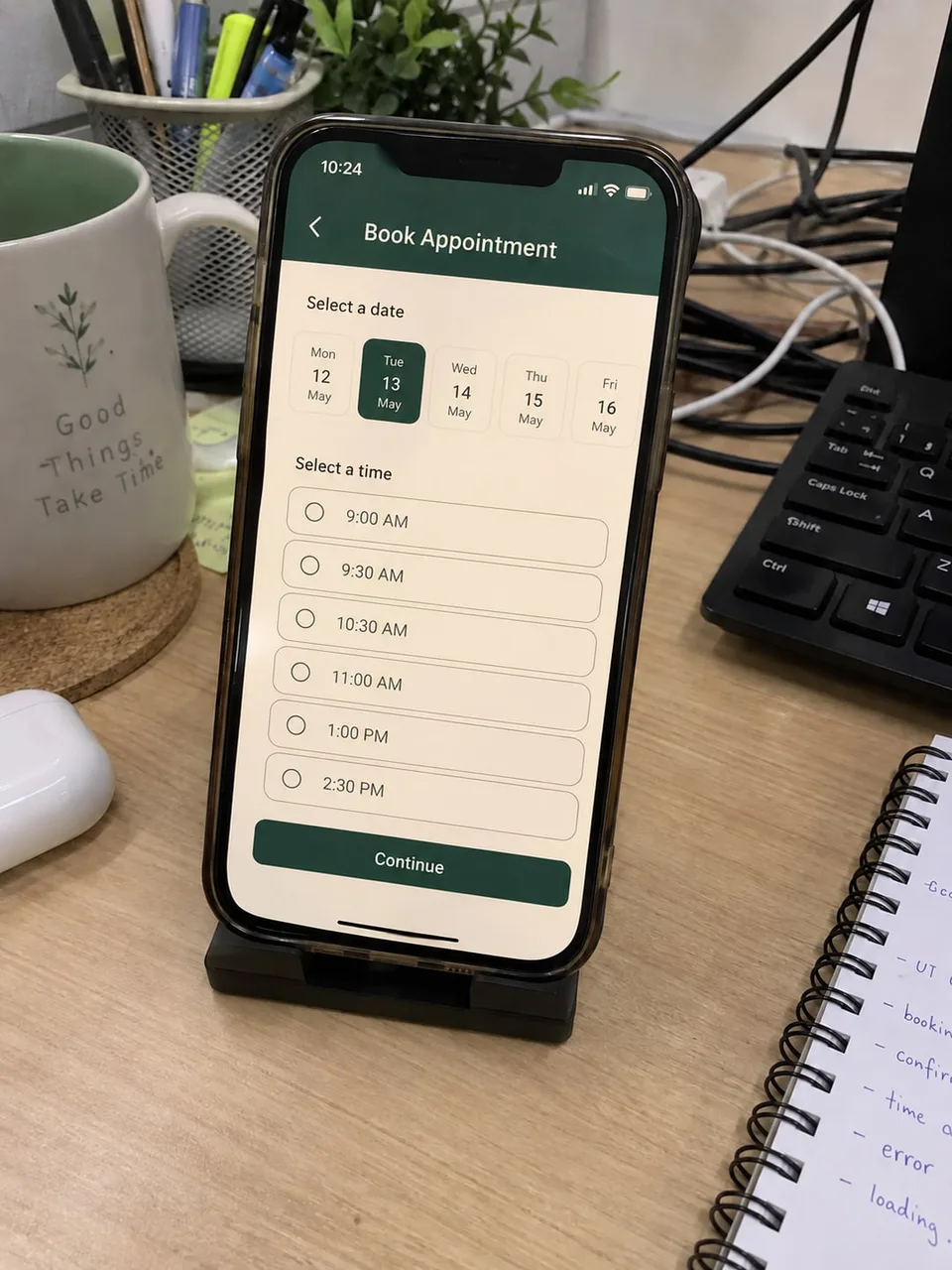
Example imagery · Your work, your question, your final call.
Ask the community about your workWhere can I get feedback on my UI design?
NewArtVote gives you a place to post interface images and compare versions with community votes and comments. Explain the task, the intended user and the part you are willing to change. Members can offer a design perspective; they are not recruited or verified usability participants.
Give reviewers a task to think about
Instead of asking whether a screen looks good, say what someone needs to do: book a lesson, find a saved item or choose a plan. Show the entry point and state what should feel obvious. A reviewer can then describe which label or element draws attention first.
Got a version you are ready to share?
Sign up freeCompare one decision at a time
Use the same device frame, content and viewport for each screenshot. If you want to discuss button hierarchy, keep the navigation and copy consistent. Remove personal information from prototypes and use realistic sample content so that empty states do not distort the comparison.
Turn opinions into a testable next step
Read comments for repeated confusion about labels, grouping or contrast. Try a revision and check whether it supports the task. Community preference is a useful design input, while accessibility checks and usability sessions with intended users answer different questions.
BETTER QUESTIONS. MORE USEFUL ANSWERS.
Skip “thoughts?”
Try one of these.
Adapt a caption to your work, add a little context and give people something specific to respond to.
Try a caption with your own workCAPTION 01Which action would you expect to take first on this screen, and why?
CAPTION 02A uses an icon; B uses a text label. Which is easier to understand without explanation?
CAPTION 03Which pricing layout makes the differences between plans easiest to scan?
YOUR FIRST POST, MADE SIMPLE
Bring a draft.
Give it some context.
- One task and its intended user
- Matching device sizes and interface states
- A specific decision that is still open
No download or credit card needed.
BEFORE YOU SHARE
A few good
questions.
Can I get feedback from other UI & UX designers?
NewArtVote is an open community for creative work, including ui/ux. You can invite votes and comments, explore other work and offer feedback in return. Members’ professional backgrounds are not verified, and the amount or timing of feedback varies as the community grows.
Is NewArtVote free to use?
Yes. Creating an account, posting your work, voting and commenting are free. Studio is an optional paid upgrade for extra features. No credit card is needed to join.
Does my work need to be finished?
No. Share a sketch, study, rehearsal or work in progress. Explain what is still open to change and ask one focused question. You can post images, video or audio that you own or have permission to share.
Do I need to download an app?
No. You can sign up and use NewArtVote in your browser on a phone or computer. Apps are also available on the App Store and Google Play.
YOUR NEXT IDEA DOES NOT HAVE TO HAPPEN ALONE
Bring your
what if.
One creative decision. A few possibilities.
A fresh perspective on what comes next.
Sign up and use NewArtVote in your browser.
Prefer the app?